Income and expenses, partner settlements, VAT, client commissions and real statistics — one dashboard, always up to date, built to run a real business.
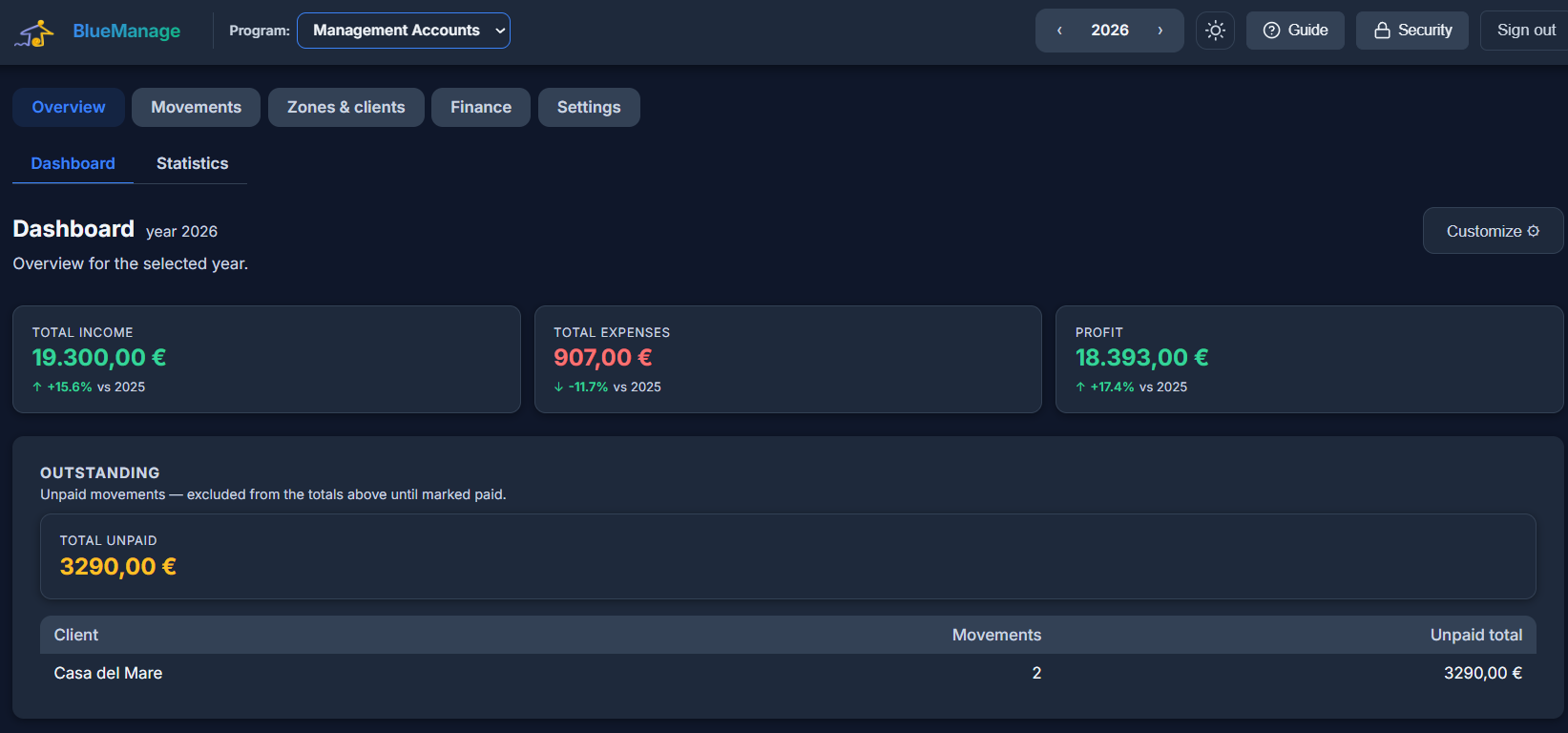
No accounting degree required — just clear movements in, clear numbers out.
Every movement — company, client, or extra expense — in one place, with VAT, categories, recurring templates, and bulk actions when you need to fix many at once.
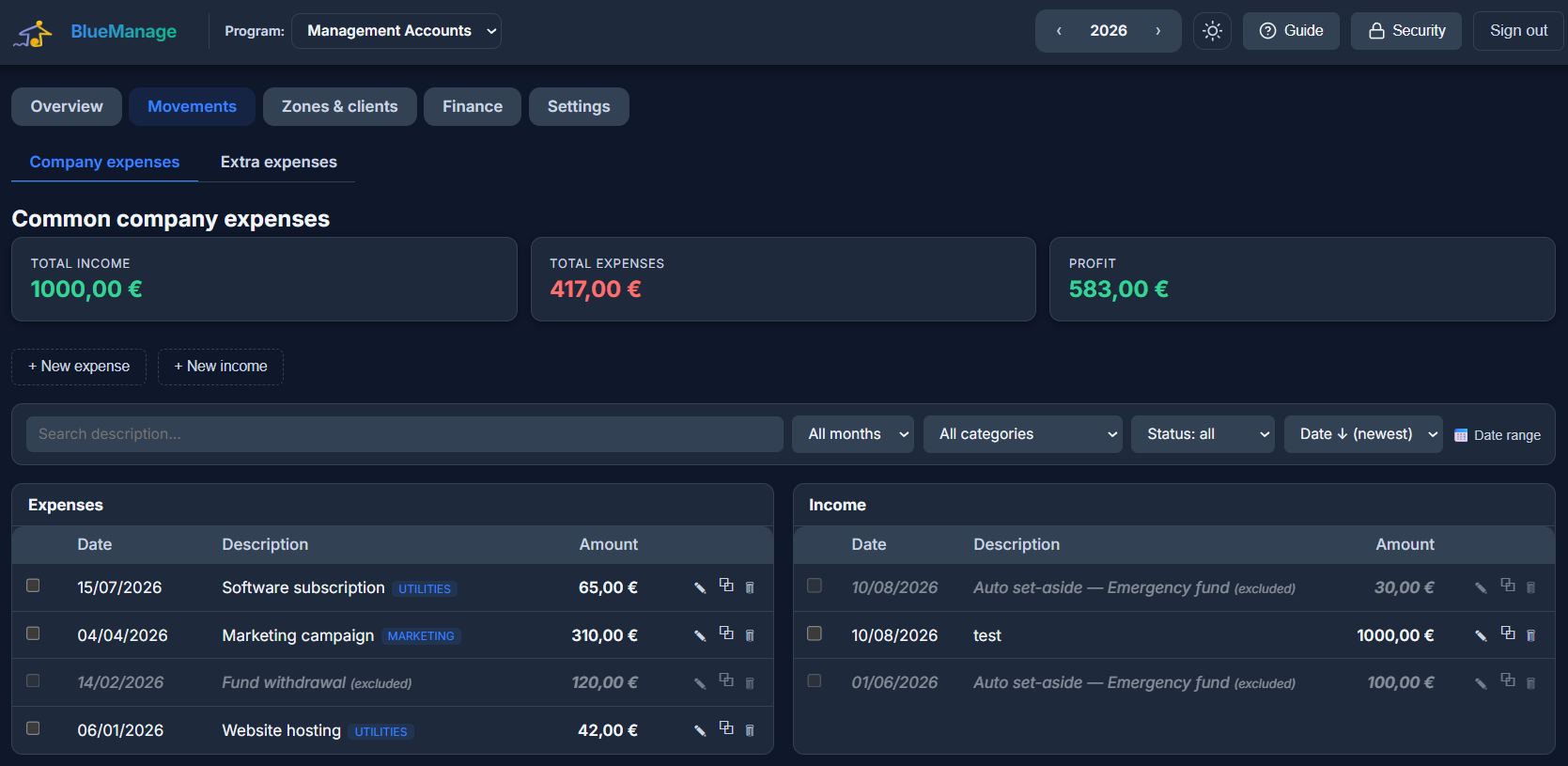
Set each partner's ownership share once. If partners pay for things out of their own pocket, Management Accounts works out — automatically — who owes whom to keep everyone's cash matching their share. Optional: most businesses can leave it off and just track a shared company account.
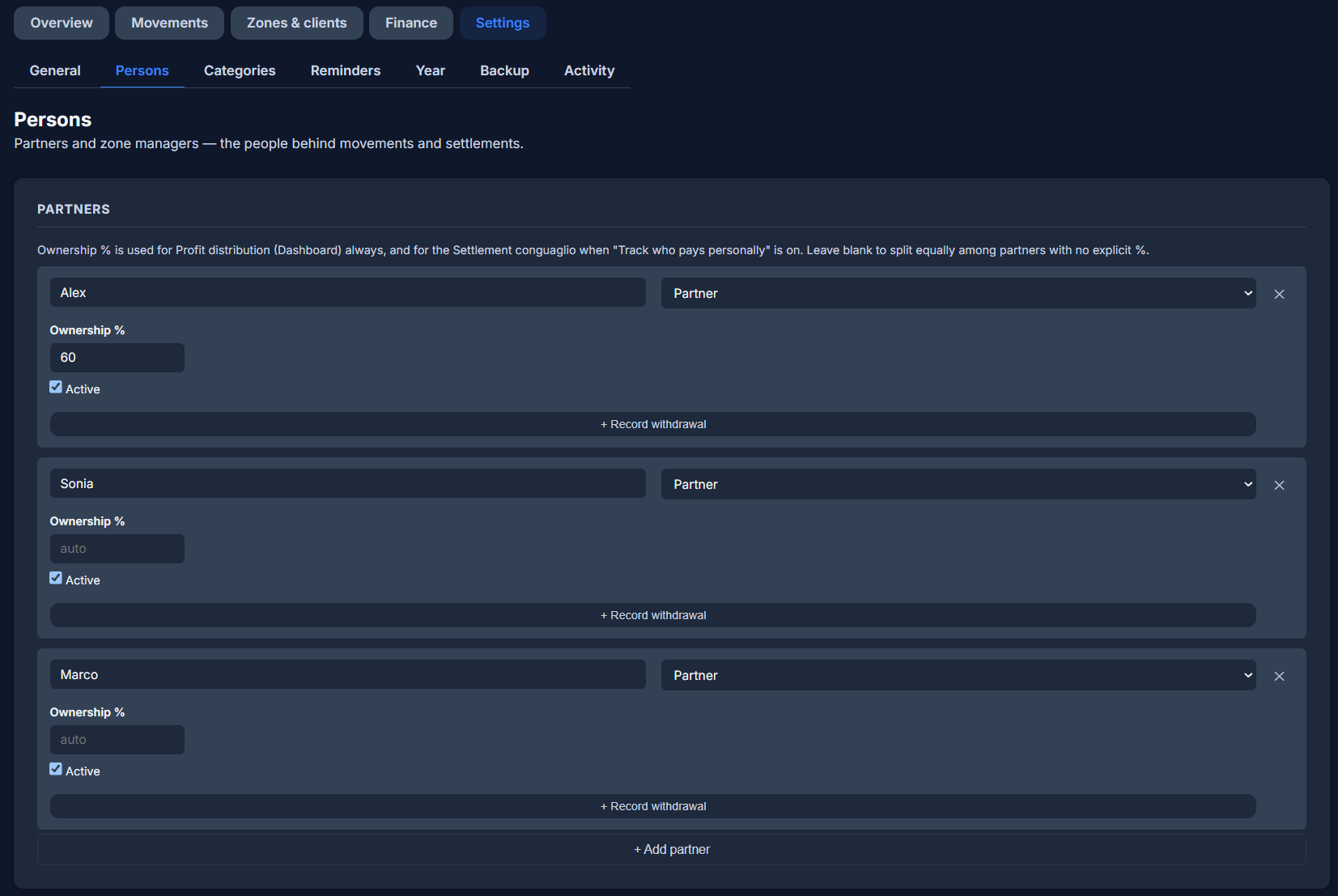
Monthly, quarterly and yearly VAT summaries, ready when you need them. Client commissions — fixed fee, percentage, or both — calculated automatically and exported as a PDF you can send straight to your client.
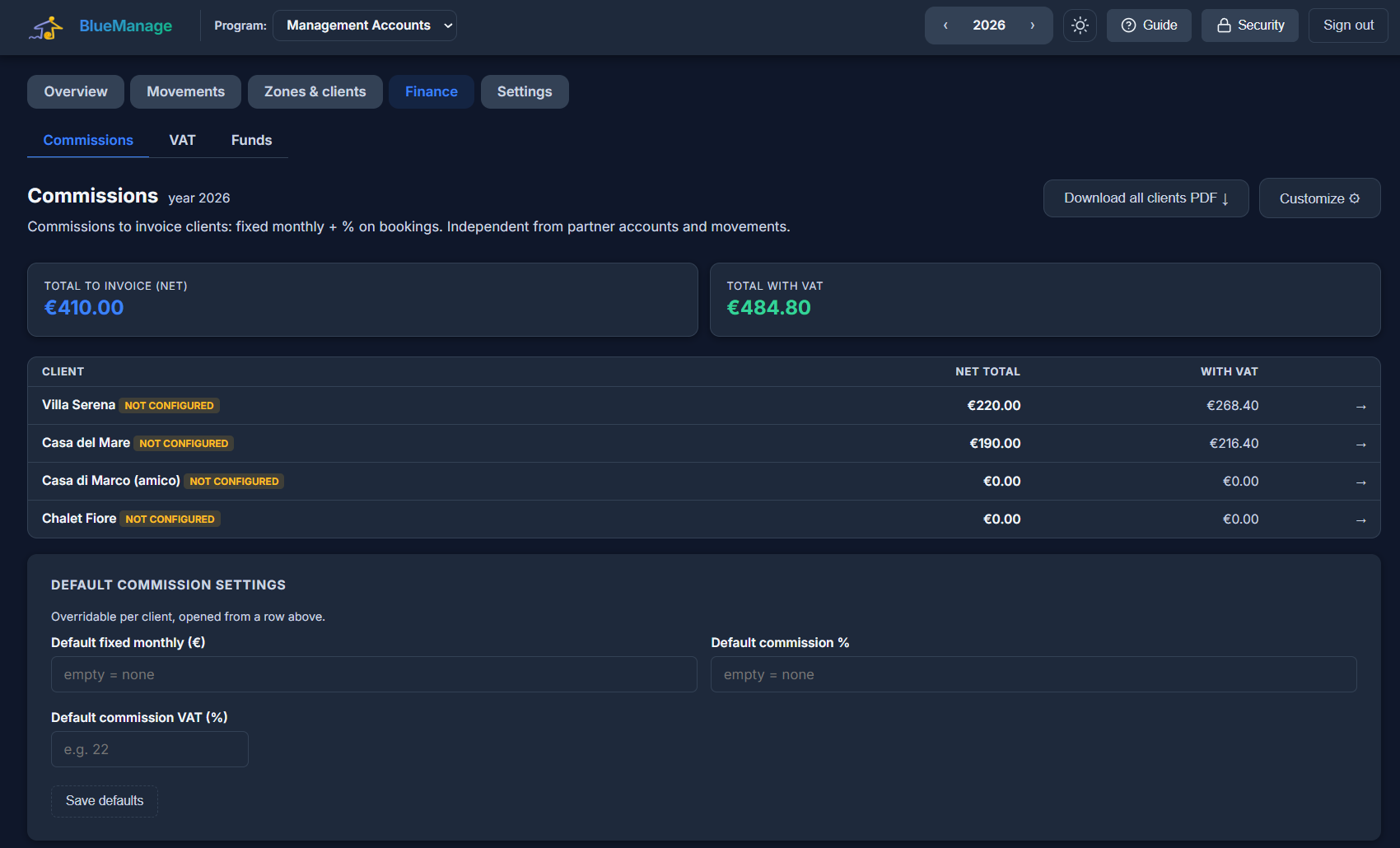
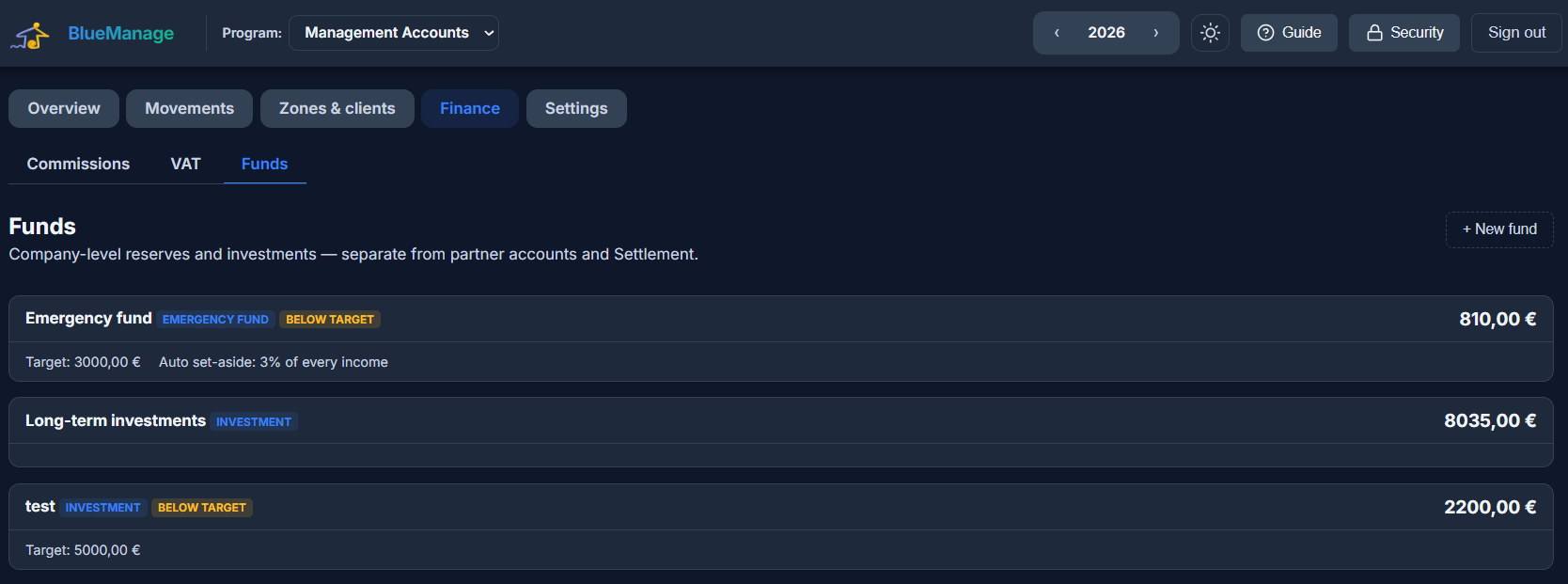
Company-level reserve funds, separate from partner accounts and settlement. Set a minimum target, an automatic set-aside percentage on every income, or track an investment portfolio position by position.
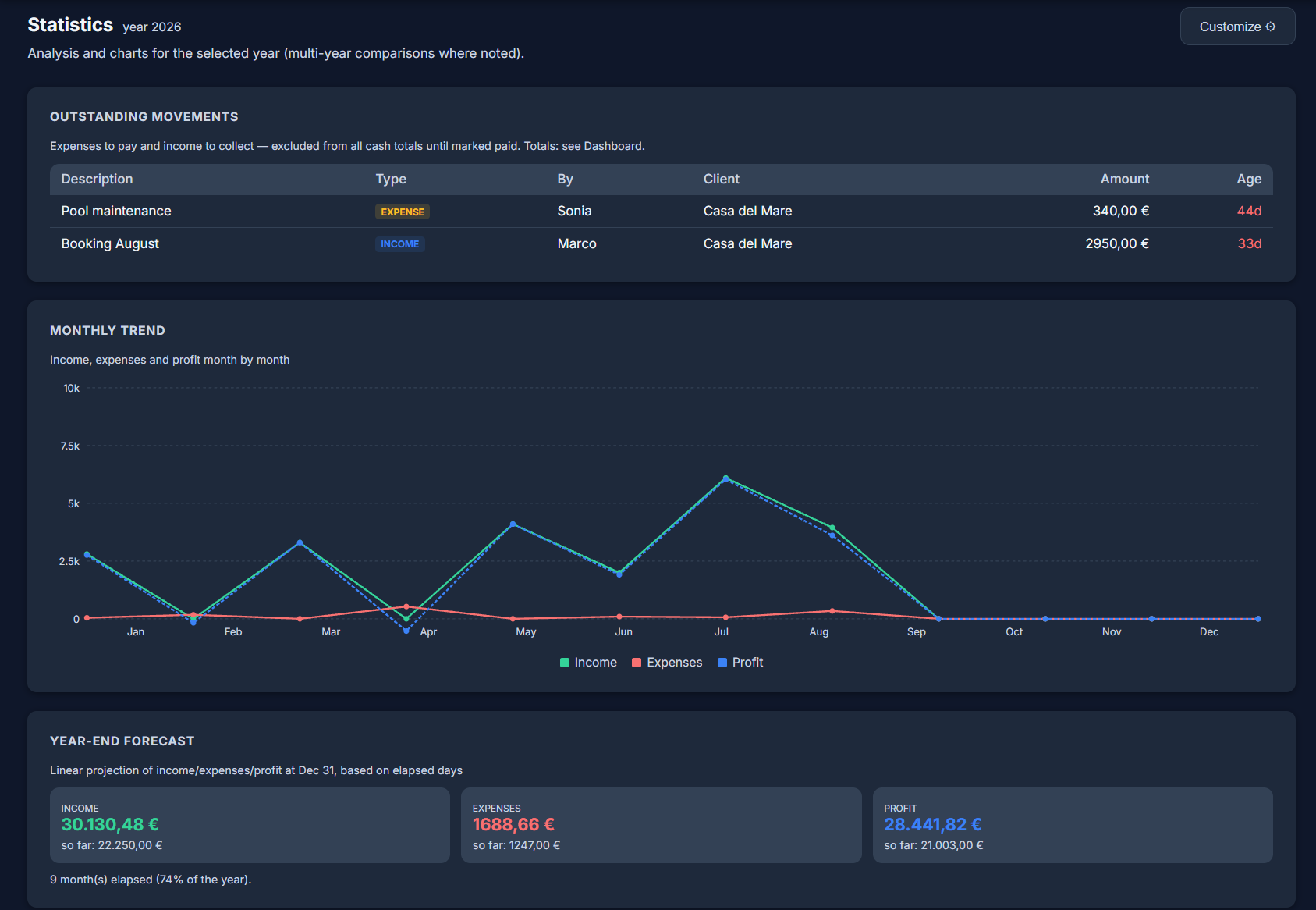
Monthly trends, margins, seasonality, outstanding payments — a dozen widgets you can reorder, resize, or hide to build the view that matters to you.
Add your partners, zones and clients — takes a few minutes.
Income, expenses, VAT — as they happen, or import your history.
Settlement, commissions, VAT and statistics update automatically.
One person keeping the books for their own business, without a spreadsheet held together with formulas.
Two or more partners who need to know, at any moment, who owes what to whom.
Commission-based work where clients need clean invoices and you need clean margins.
Separate zones or branches, each with its own manager and numbers, rolled up into one view.
No. Management Accounts is built for owners and managers, not accountants — plain movements in, clear totals and settlements out. Your accountant can still use the exports for filings.
Yes. Any number of partners can share ownership percentages, and Management Accounts can track who paid what and settle the difference automatically — or you can keep it simple and turn that off entirely.
Pick any currency for your organization in Settings — every number across the app follows it. There's no automatic currency conversion; amounts are recorded exactly as entered.
Yes — commission and VAT statements export to PDF, and a full backup/restore of your organization's data is available from Settings.
EUR 34 per month, everything included. No setup fee, no per-user charge, and you can cancel anytime.
No, and it is not meant to. Management Accounts tells you how the business is doing, month by month. Your accountant still files your accounts, and the exports give them what they need.
No. It tracks the money that moves, not the paperwork that accompanies it. If you need to issue invoices, you keep doing that where you do it now.
No. You record what comes in and goes out, which is deliberate: it keeps the figures the ones you have checked rather than a feed you have to correct.
Not at the same time, and it is better to know that now: your organization has one currency and Management Accounts does not convert between currencies. If you are paid in another currency, convert it yourself and enter the converted amount, using the Notes field to record the original figure. Changing the currency later does not recalculate anything either — it only changes how the numbers are displayed.
Yes, with its own view, so the amount you have set aside is a figure you can look at rather than a surprise at the end of the quarter.
For the money you want to keep separate: an emergency reserve, an investment fund, something set aside for later. You set a target, and a percentage can be put aside automatically as income comes in.
Yes. Separate zones or branches, each with its own manager and its own numbers, rolled up into one view when you want the whole picture.
Your data is stored on servers in the European Union, with an encrypted backup taken every day. Two-factor authentication is available, and we can sign a data processing agreement if you need one.
There is no per-user charge: the EUR 34 covers your organization. You decide what each person can see, so someone can record movements without seeing the settlements between partners.
Yes, and it is a fair part of what we do. If one of these is close but not quite what your work needs, we can shape it around you — a field you actually use, a step your day really has — or build something that does not exist yet. Write to us and say what is missing; if we think you are better off with something that already exists, we will tell you that too, even though it means not selling you anything.
Yes. The tools themselves are in English today, which is the working language of most of our customers, and the translations are built into the software rather than bolted on. If you need your guests or your team to read it in another language, tell us which one and we will do it for you.
Tell us about your business — we'll help you get set up.
Get started